Guide 3 of 5
Create tasks — manually and from the chat
Add tasks by hand on the board, or describe what you need and let the AI propose them.
1Create a task manually
On the task list (or the Kanban view), type a title in the new-task row and press Enter. The task is created instantly inside the current group.

Click any task to open it and set details — description, priority, due date, assignee, and status. In the Kanban view you can drag a card between columns to change its status.
Go to my tasks2Create tasks from the AI chat
Open Doku AI and describe what you want in plain language — for example “Create three tasks to prepare the Q3 launch and assign them to me.” The assistant reads your space, then proposes an action plan.
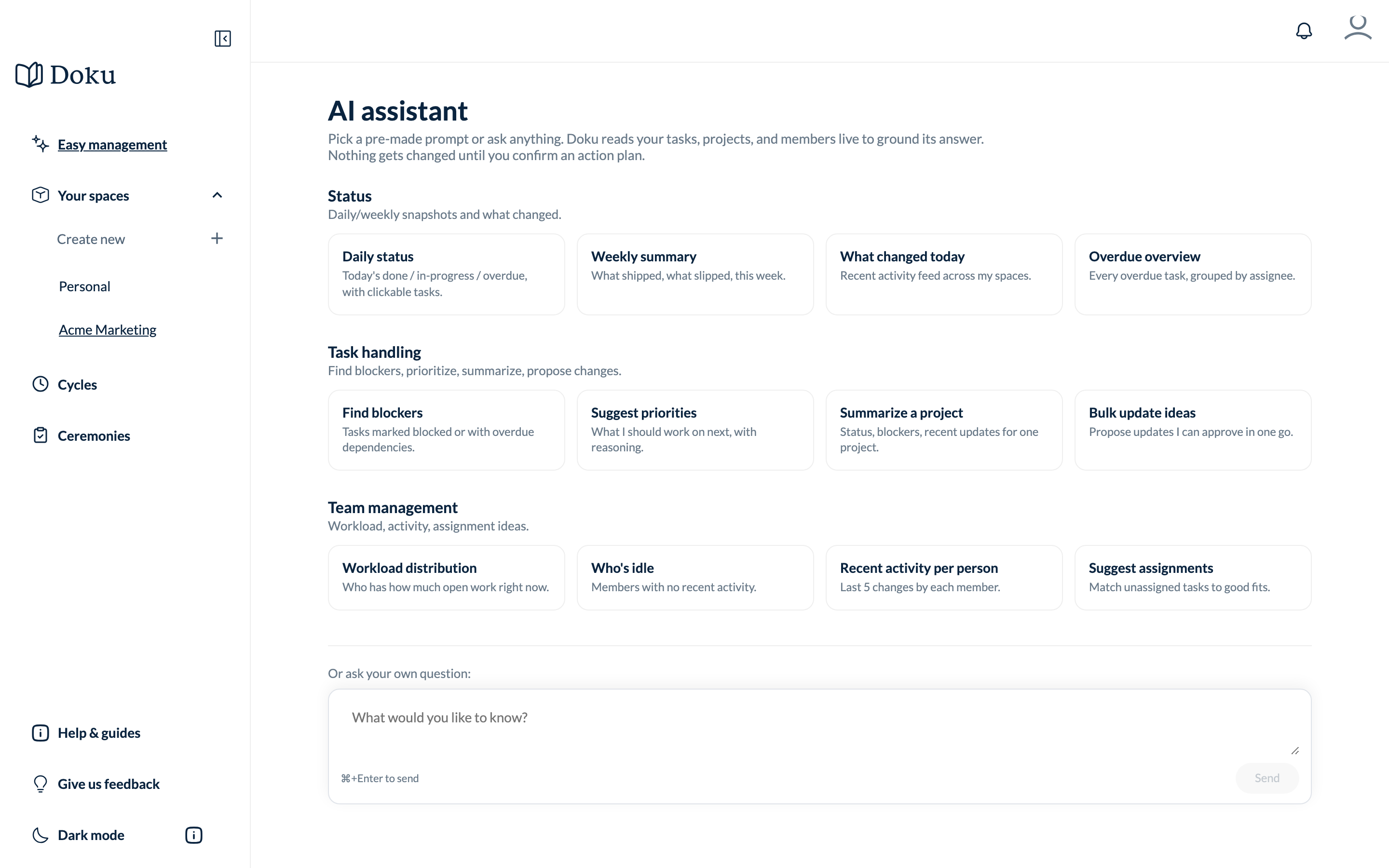
Nothing changes until you approve it. The flow is always:
- Propose — the assistant drafts the tasks (and any updates) as an action plan.
- Confirm — you review the plan and approve it in one click.
- Execute — Doku applies the changes and they appear on your board.
The chat can do more than create tasks — ask it to find overdue work, summarize blockers, or reassign stale tasks. It only ever changes things after you confirm.
Open Doku AI