Guide 4 of 5
Activate MCP
Turn on Developer mode to reveal the MCP Link — the bridge between Doku and AI tools like Claude Code and Cursor.
1What MCP gives you
MCP (Model Context Protocol) lets an AI coding tool — Claude Code, Cursor, and others — talk to Doku directly as a tool. Once connected, you can ask the tool in your terminal to list, create, and update Doku tasks without leaving your editor.
The connection is generated from an MCP Link, which is hidden until you enable Developer mode.
2Enable Developer mode
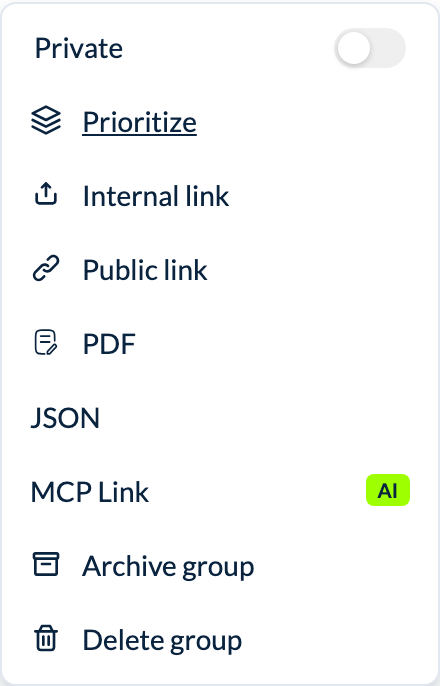
Go to Settings → Account and turn on Developer mode. This reveals developer tools across the app, including the MCP Link and JSON export.

3Find the MCP Link (“the click”)
Back on the task list, a new MCP Link button appears in the toolbar. Clicking it copies a ready-to-paste configuration scoped to the space (and group) you're currently viewing.