No more complex management: let Doku do it for you.
There's no need to struggle with complex, hard-to-use software to manage your ideas or everyday tasks.
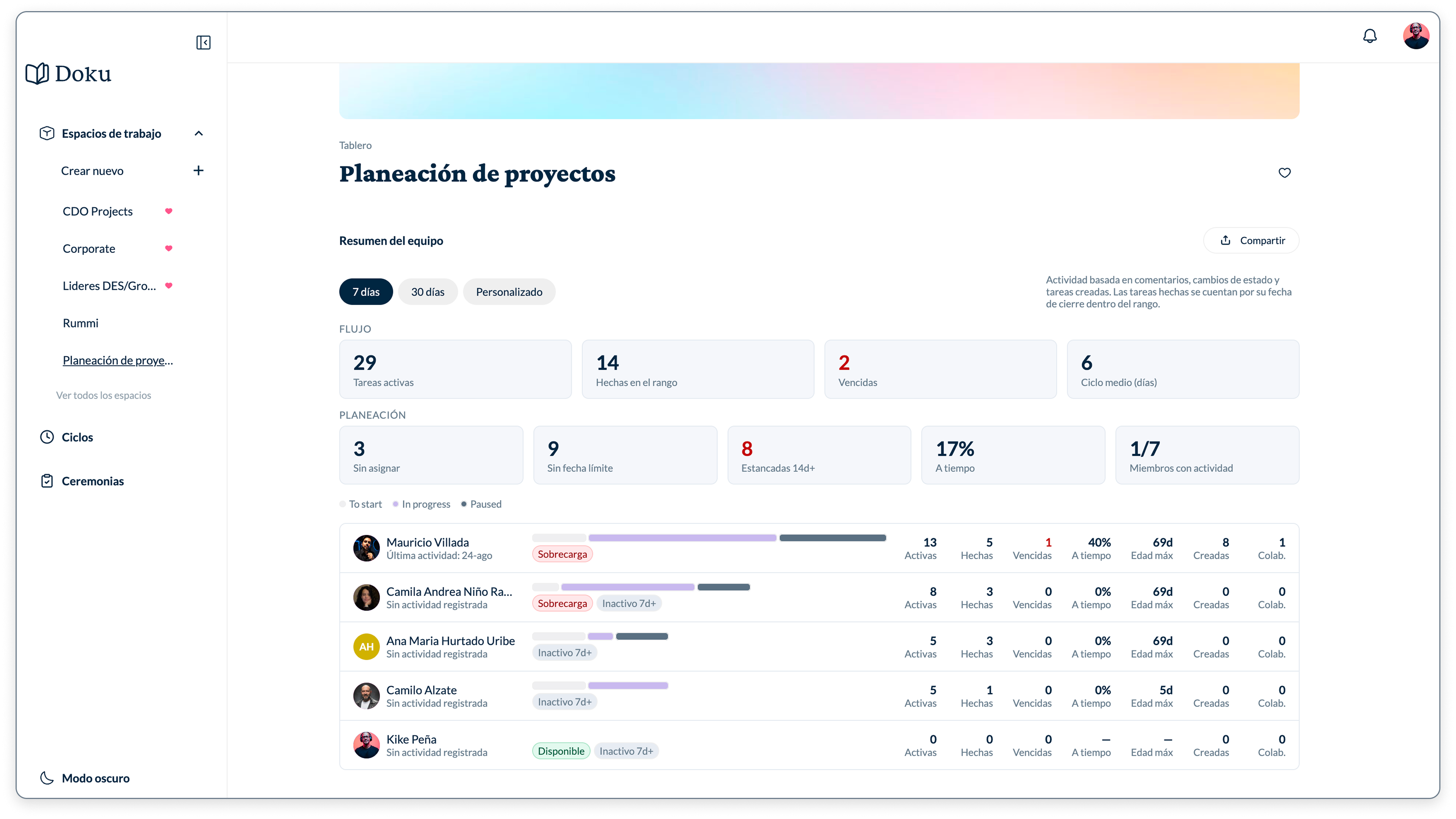






What is it? and why you should care about it?
Doku is not another task management tool like the ones you're used to seeing on the internet; they are complex, saturated, sterile, and have a high user learning curve to manipulate.
Doku is an AI-oriented tool that anticipates and helps you manage your everyday challenges.
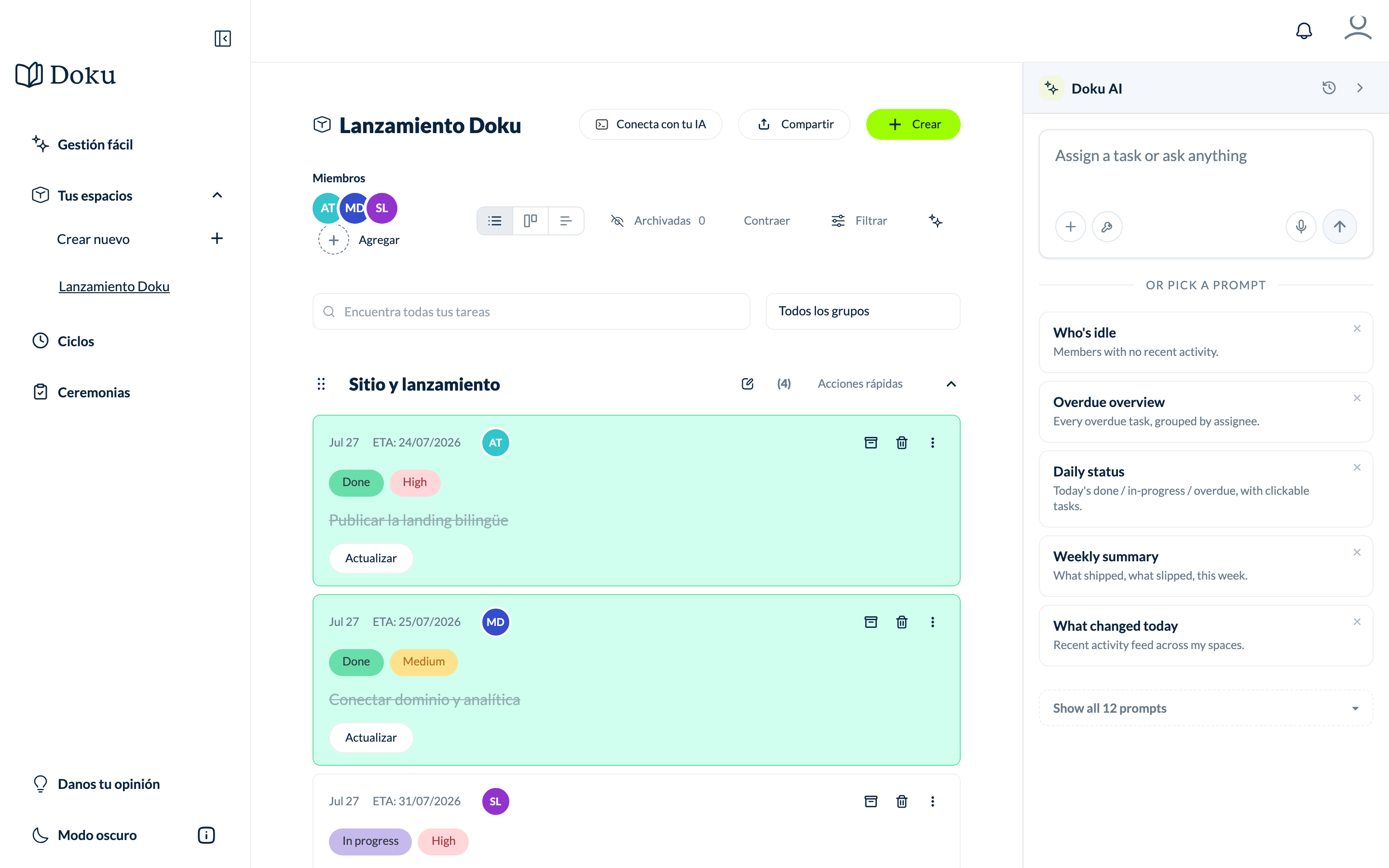
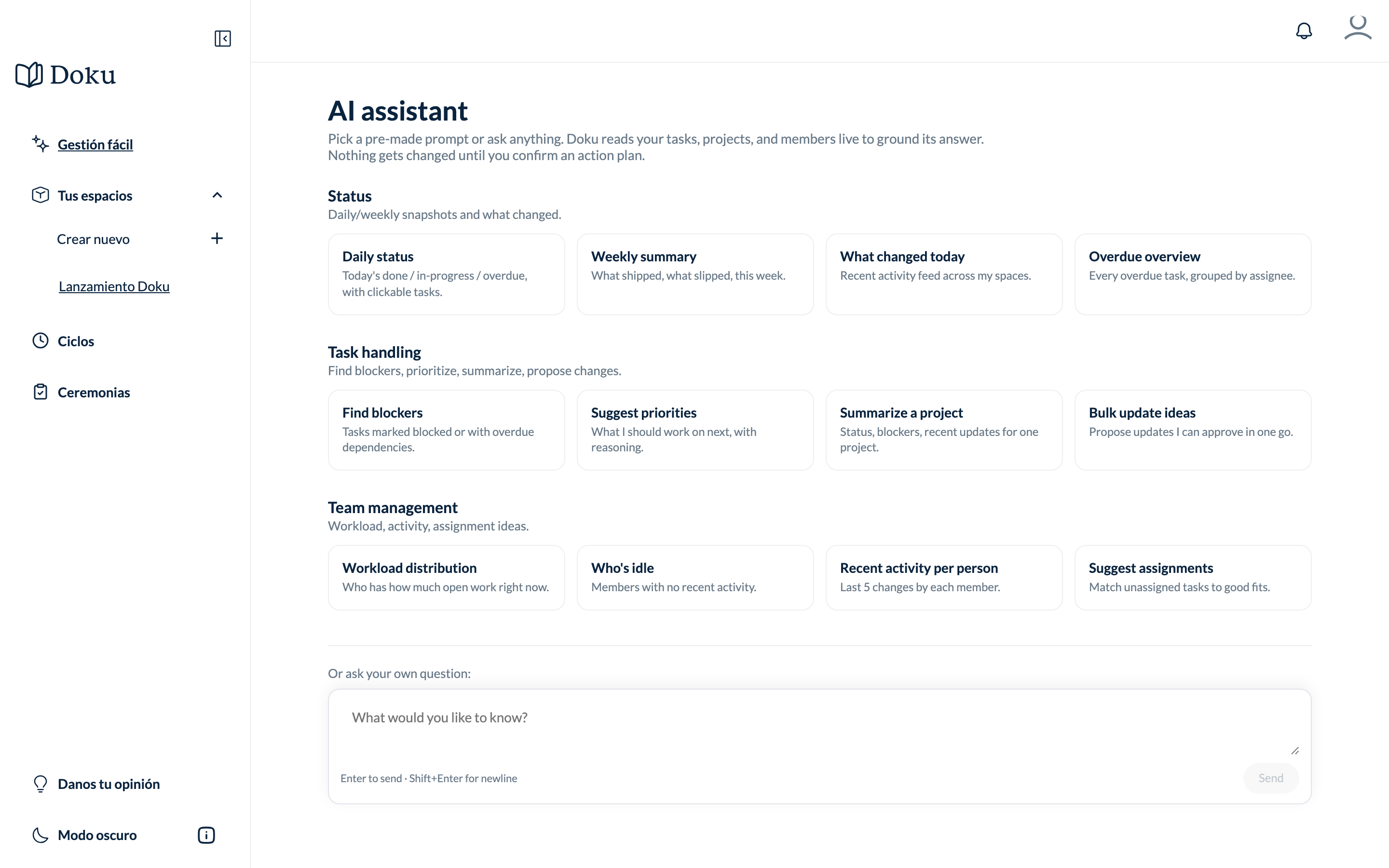
We believe in real tech simplicity.
We know not everyone is tech-savvy, which is why we want to create a product that actually makes things easy for you without requiring you to understand complex languages or tools. Our target is anyone with a dream to build, and that's where Doku comes in.
Easy management, and no more than saying OK to Doku is all we need from you.
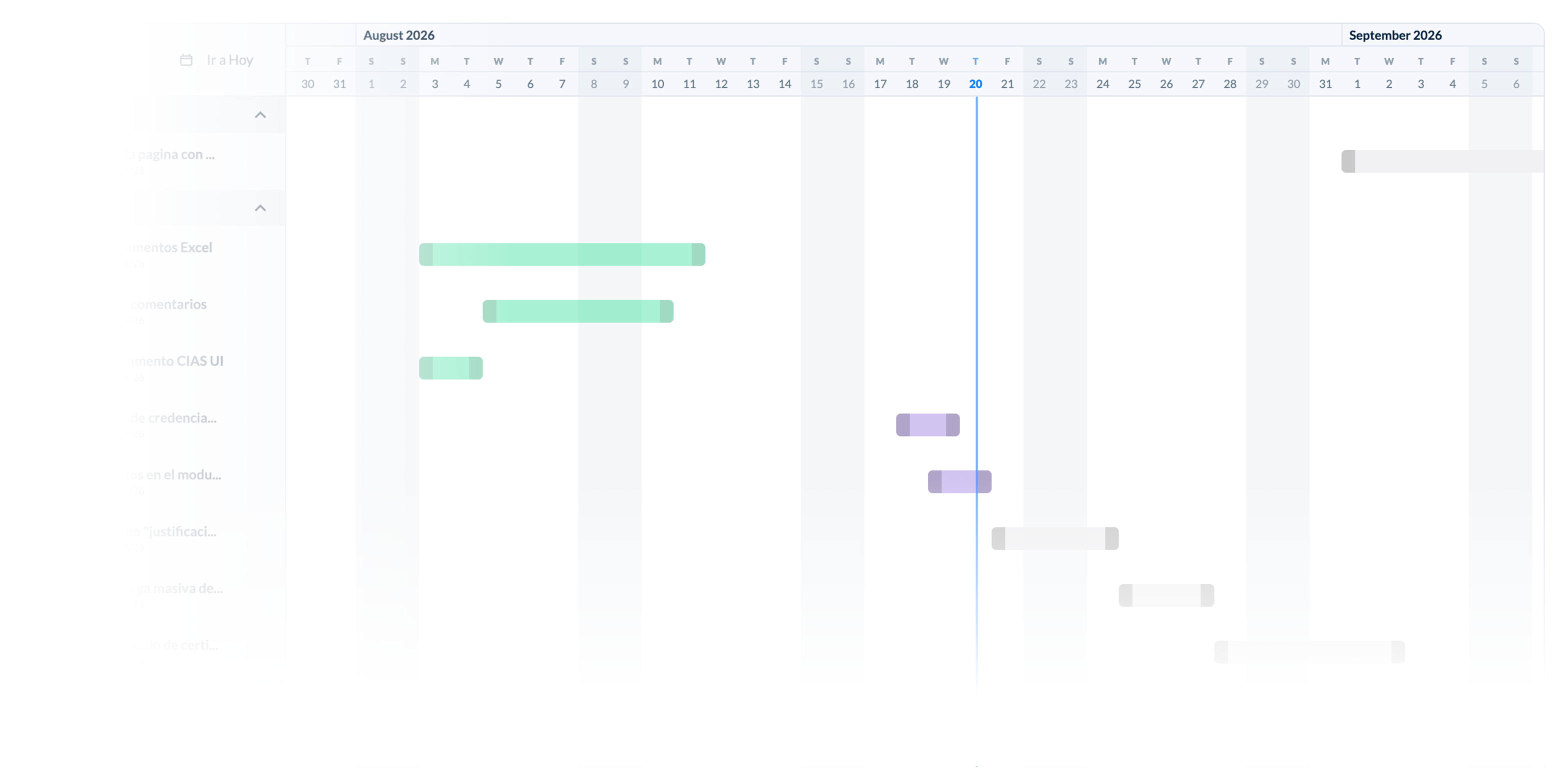
MCP and gantt
Easily connect your AI tools so Doku can handle all your task management. Visualize every step toward your goals on an automated timeline.


Why Doku?
We understand that regular people might see technology as a complex, distant language to manipulate, full of fancy terminology and processes. Still, with Doku, those issues are behind an easy user experience for all.
Our product core is built on anticipating your management moves, so you can keep tracking your business without losing a task.

Learn with Doku
Guides, templates and comparisons to manage better — no expertise required.
How to make an activity schedule
A step-by-step guide to a clear schedule in minutes, with a ready-to-use template.
ComparisonsMotion alternatives
What your options are if you want AI-powered management without per-seat pricing.
TemplatesA weekly planner for your team
A simple method to plan the team's week and never lose track of a task.

"Doku has organised my life! I said goodbye to endless lists across different notebooks, to the mental load of the mess, and to the thousands of WhatsApp messages needed to coordinate with my team. Now I have everything structured by topic, task and project. Honestly, I can't imagine working without Doku's help."


Frequently asked questions
What is Doku?
Doku is an AI-powered project management tool built for non-technical people and teams. You create tasks by speaking or typing, and Doku organizes, prioritizes and follows up for you.
How much does Doku cost?
Getting started is free, no credit card required. When you need more AI you move to pay-as-you-go: you pay only for the AI you actually run, with no per-seat fee. Organizations can go Enterprise with unlimited users.
Do I need to be technical to use it?
No. Doku is designed for people without a technical background: no complex setup, no learning curve. If you can use a chat app, you can use Doku.
What languages is it available in?
Doku is available in Spanish and English — the product, the site and the full blog.
What can Doku's AI do?
Create tasks by voice or text, prioritize work, build schedules, summarize project status and remind you of what matters — all from a built-in assistant.
Can I use Doku with my team?
Yes. Invite your team into a shared space with Kanban boards, schedules and custom statuses, and work on the same tasks together.

Ready to start now?
You don't need to be a tech expert to enjoy Doku; just put all your ideas in the best place to get them done.
I love working with Doku!
